
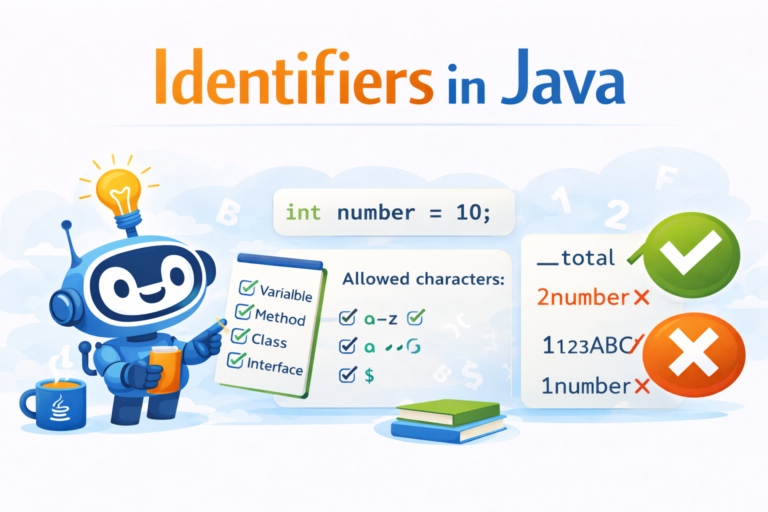
Identifiers in Java
Introduction
In Java, an identifier is the name given to a program element.
Identifiers are used to identify different parts of a Java program.
An identifier can be the name of:
Class
Method
Variable
Label
Interface
Choosing proper identifiers makes the program easy to read and understand.
What is an Identifier in Java?
An identifier is simply a name used to identify a variable, class, method, or any other user-defined item in a Java program.
✅ Example
int number = 10;Here, number is an identifier.
📜 Rules to Define Java Identifiers
Java has some strict rules for naming identifiers. Let’s understand them one by one.
🔹 Rule 1: Allowed Characters
Java identifiers can contain only the following characters:
Letters:
atoz,AtoZDigits:
0to9Underscore
_Dollar sign
$
✅ Examples
total_number // validuserName // valid
$amount // valid
🔹 Rule 2: No Special Characters Allowed
Using any character other than the allowed ones will cause a compile-time error.
❌ Examples
Total# // invaliduser-name // invalid
🔹 Rule 3: Cannot Start with a Digit
Identifiers must not start with a number.
✅ Valid
ABC123
number1❌ Invalid
123ABC
1number🔹 Rule 4: Java Identifiers are Case Sensitive
Java treats uppercase and lowercase letters as different.
✅ Example
class Test {
int number = 10;
int Number = 20;
int NUMBER = 30;
int NuMbEr = 40;
}
👉 All variables above are different identifiers.
🔹 Rule 5: No Length Limit
There is no maximum length for Java identifiers.
However, it is not recommended to use very long names.
👉 Try to keep identifiers short and meaningful (usually under 15 characters).
🔹 Rule 6: Reserved Words Cannot Be Used
Java keywords (reserved words) cannot be used as identifiers.
❌ Example
int if = 10;   // invalid
int class = 5; // invalid
🔹 Rule 7: Class and Interface Names Can Be Used (But Not Recommended)
Java allows predefined class and interface names to be used as identifiers, but this is bad programming practice.
✅ Example 1
class Test {
    public static void main(String[] args) {
        int String = 10;
        System.out.println(String);
    }
}
Output:
10
✅ Example 2
class Test {
    public static void main(String[] args) {
        int Runnable = 10;
        System.out.println(Runnable);
    }
}
Output:
10
⚠️ Even though this is legal, it is not recommended, as it may confuse readers and developers.
✅ Good Practices for Identifiers
Use meaningful names
Follow camelCase for variables and methods
Use PascalCase for class names
Avoid using
$and_unless requiredDo not use predefined class names
👍 Example of Good Identifiers
int totalMarks;double averageScore;
class StudentDetails { }
🧠 Practice Question
Which of the following are valid Java identifiers?
_total2numberuser$nameclassTotalMarks
👉 (Answer: 1, 3, and 5 are valid)
Conclusion
Identifiers are the building blocks of a Java program. Understanding the rules for naming identifiers helps you write error-free, clean, and readable code. Always follow good naming conventions to become a better Java programmer.
Learn Java step by step with EasyHaiCode 🚀
Happy Coding 😊
